Dig it.
Crater gives your Discogs collection the front end it deserves: browse, filter and tag every record, dig the wider catalogue for what to play next, and take it to the booth in crates.
Have an invite? Create an account
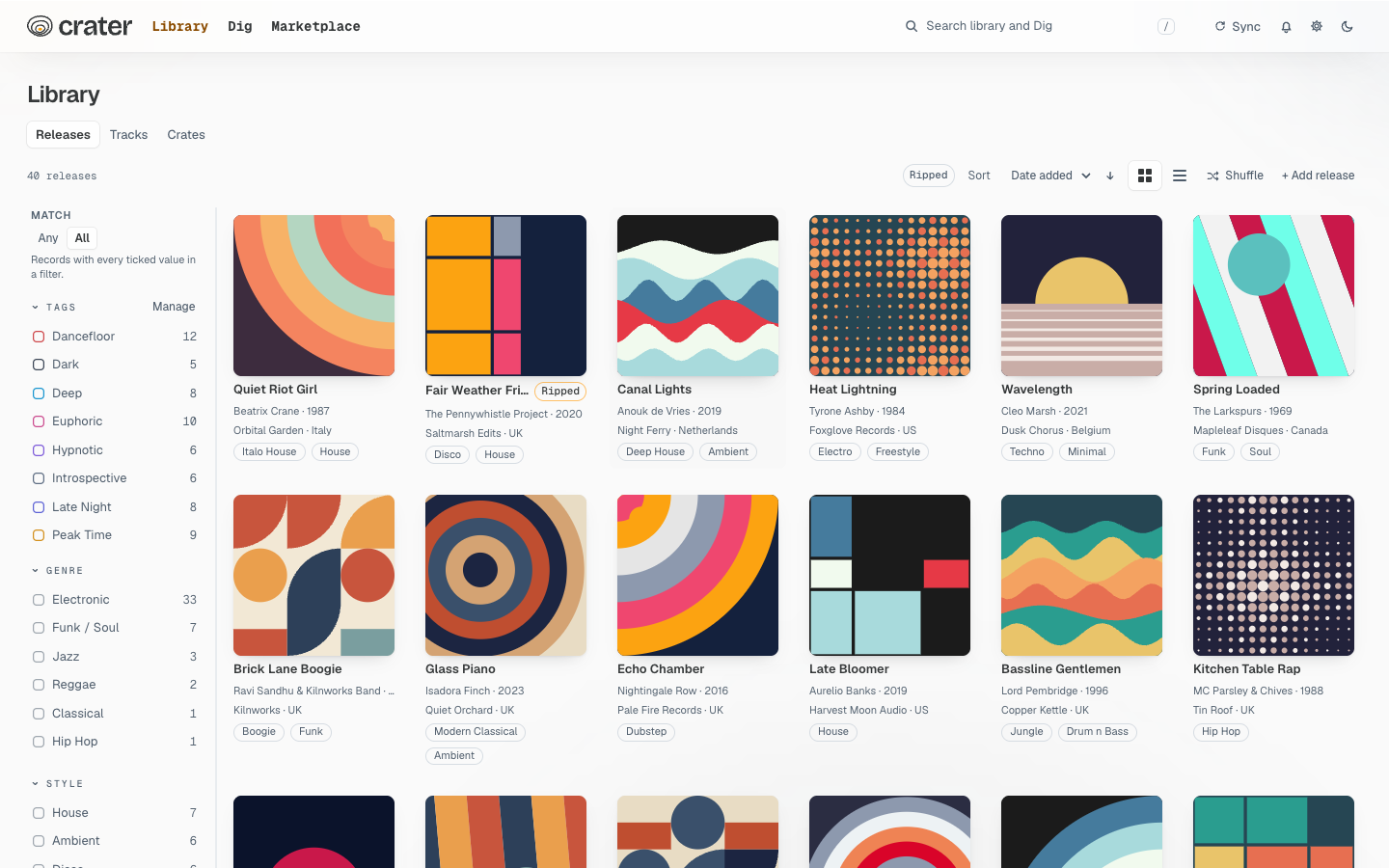
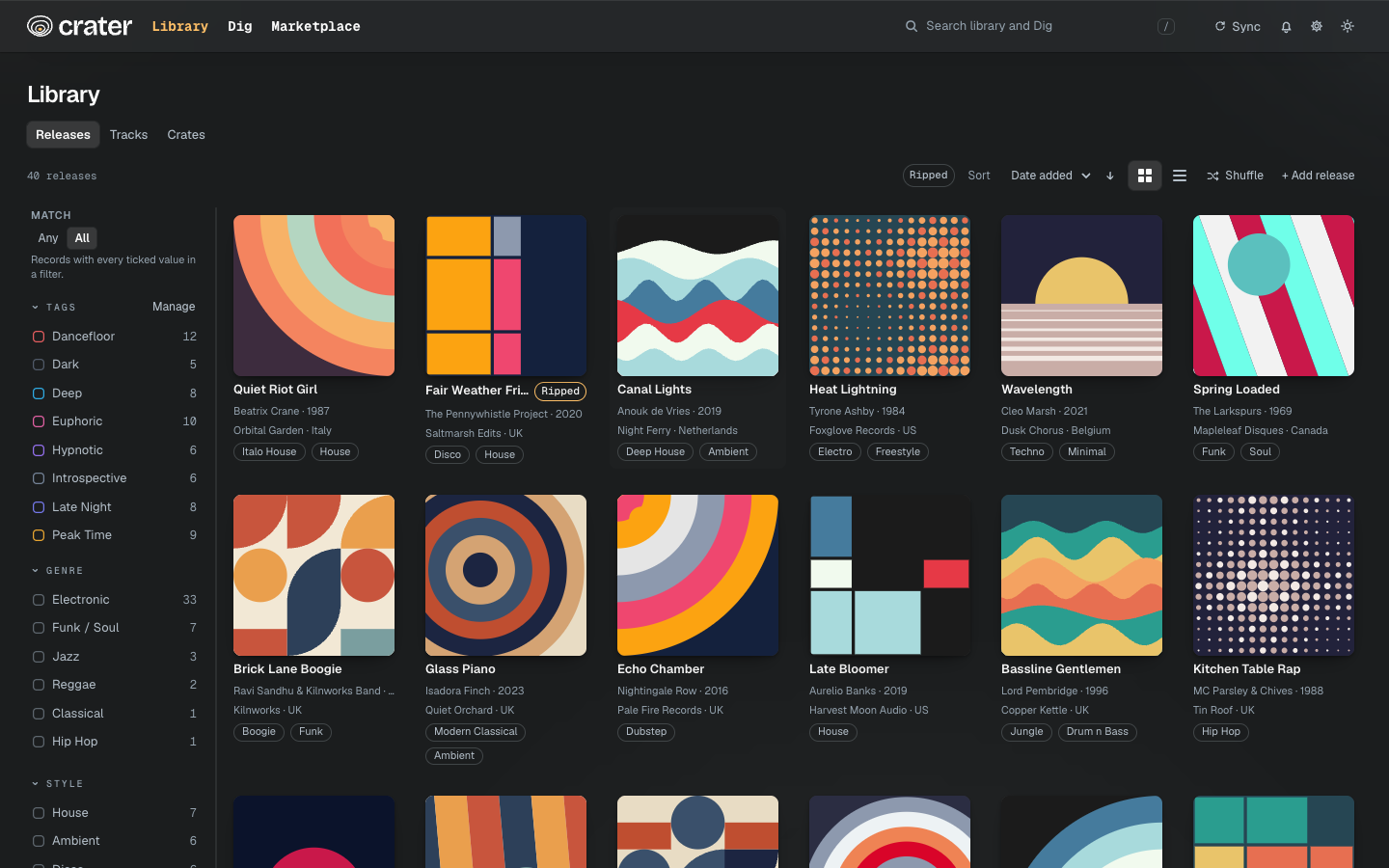
Your whole collection, at a glance
Crater syncs with Discogs and lays your records out as a grid or a list. Filter by tag, artist, label, genre or style, add your own tags to tracks, and find the record you mean in seconds.
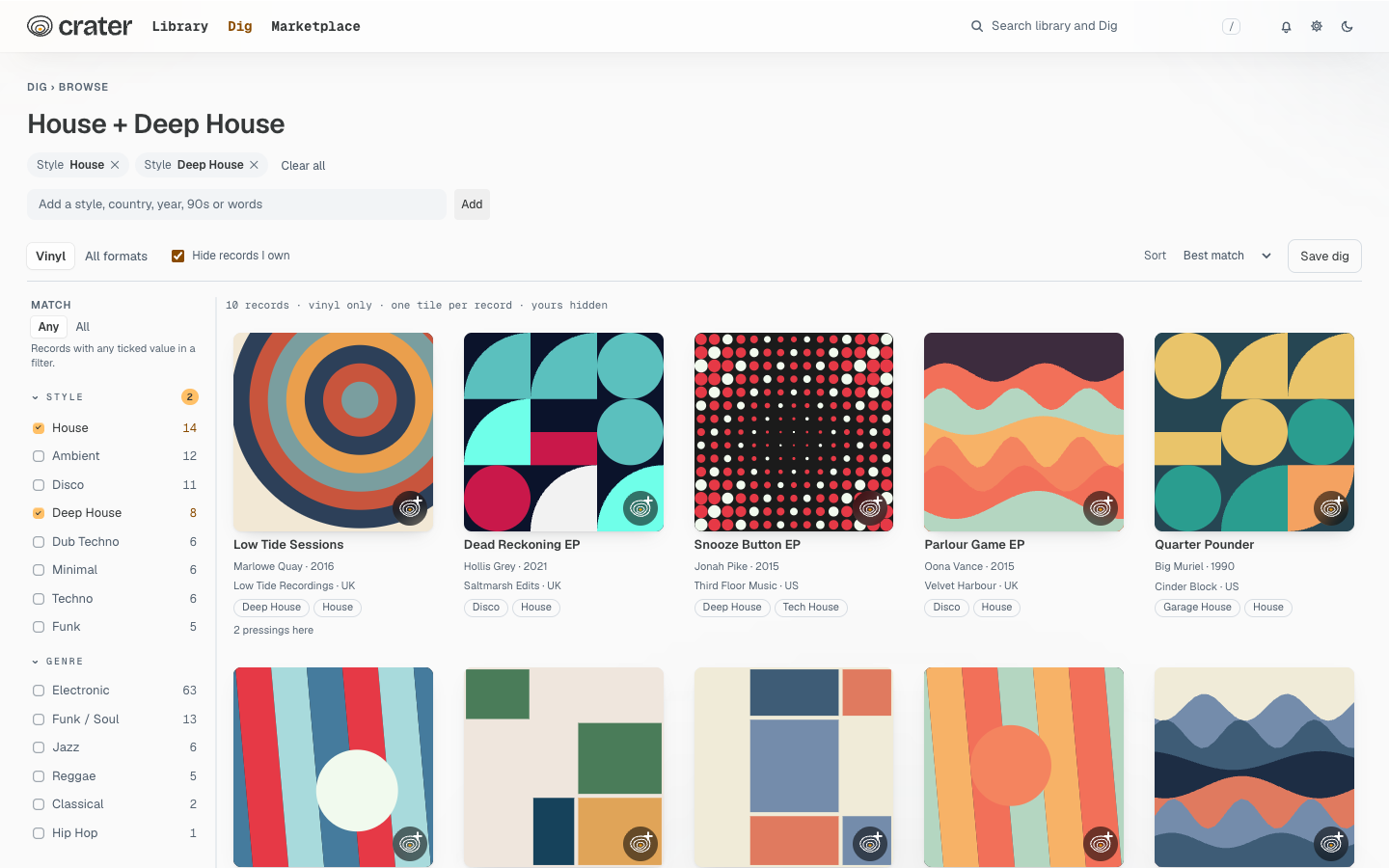
Dig beyond the shelf
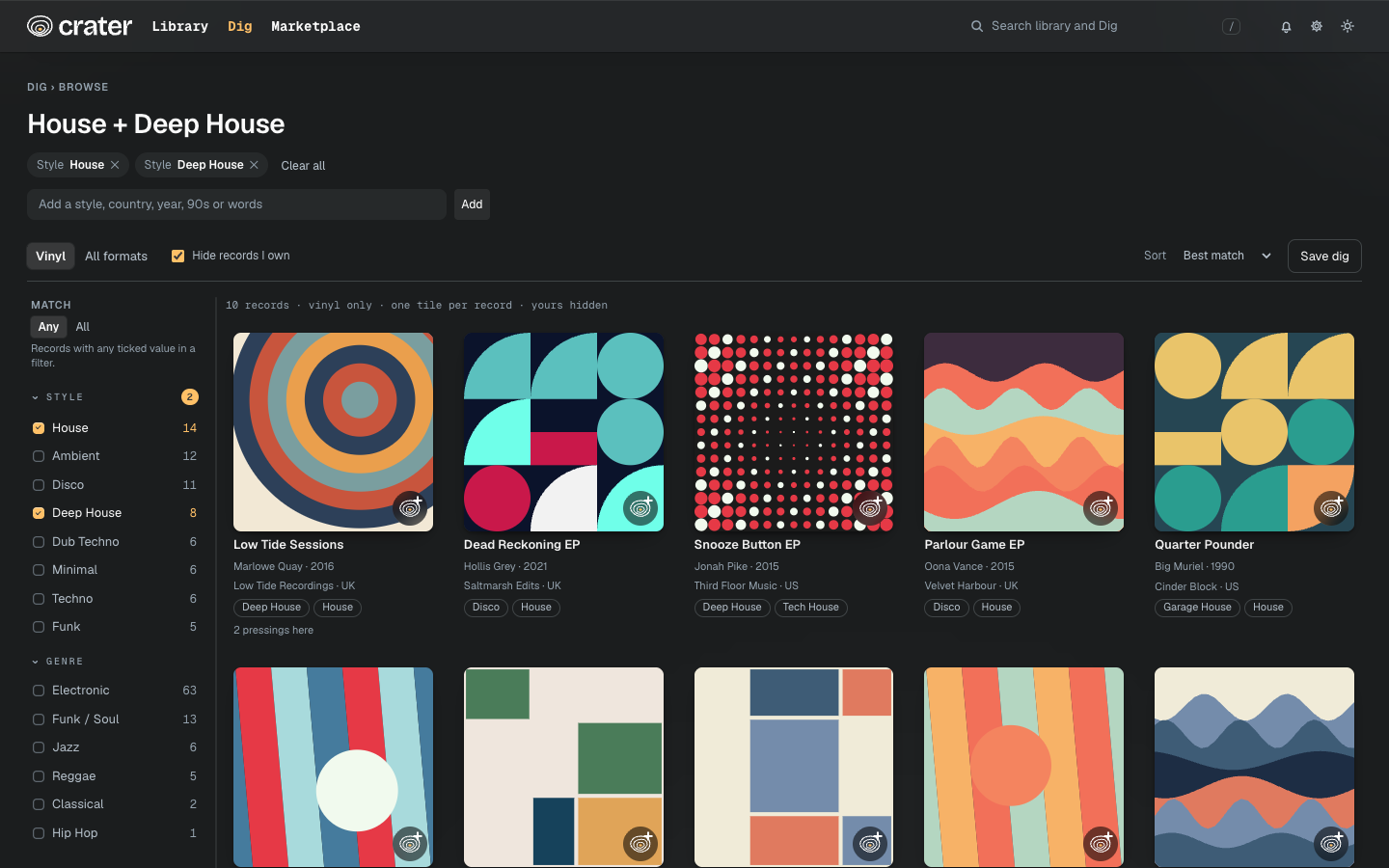
Browse the whole Discogs catalogue by sound: pick styles, decades and countries, hide what you already own, or shuffle and see what turns up. Save a dig and come back to it.
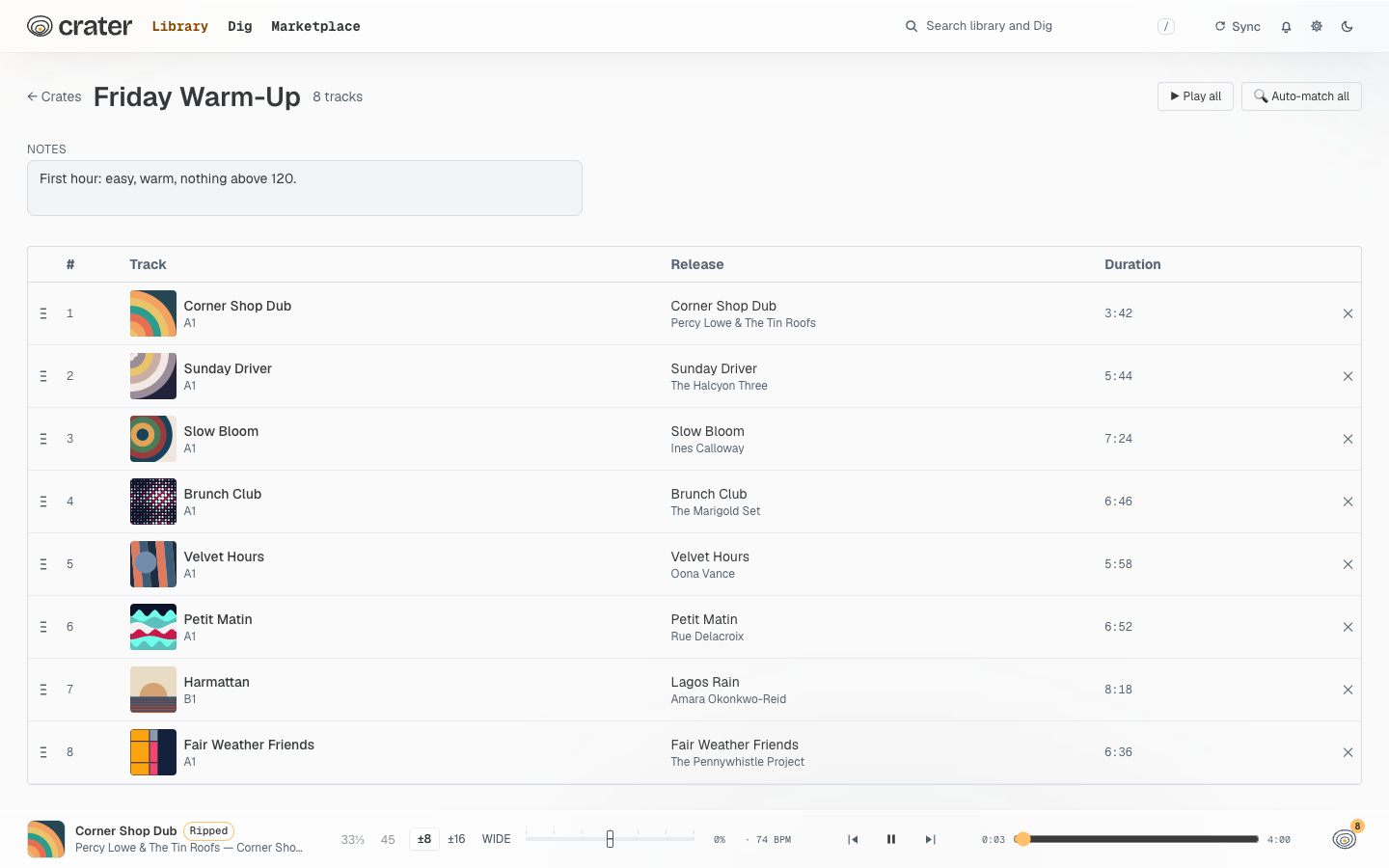
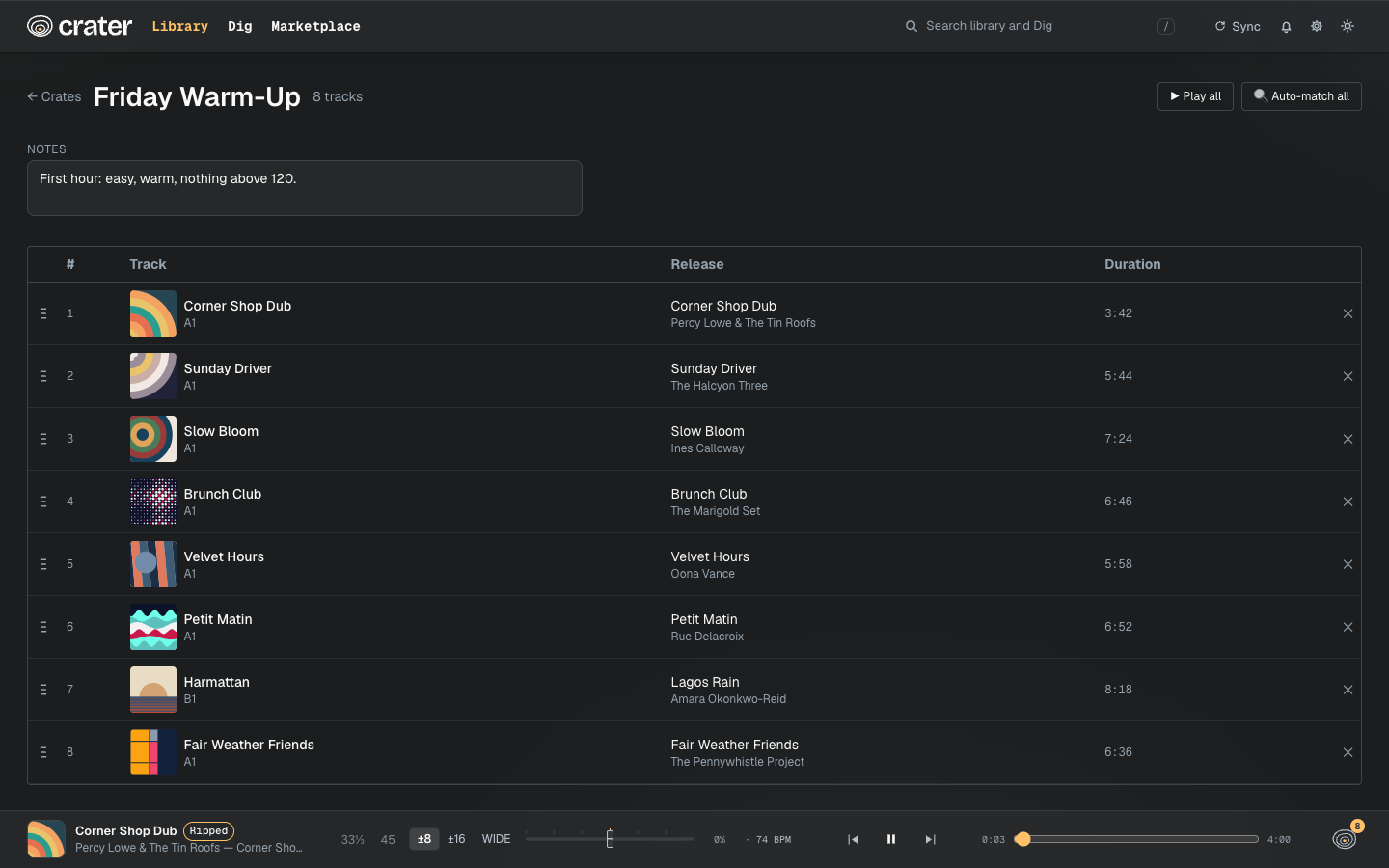
Crates, and a player to match
Gather tracks into crates for a set and put them in order. Every track plays in the player, from your own vinyl rips or a matched YouTube video, with a queue that follows you around the app.